
Mark an item as sold out
Out of chicken? Turn it off for today in one tap and nobody can order it.
How it works
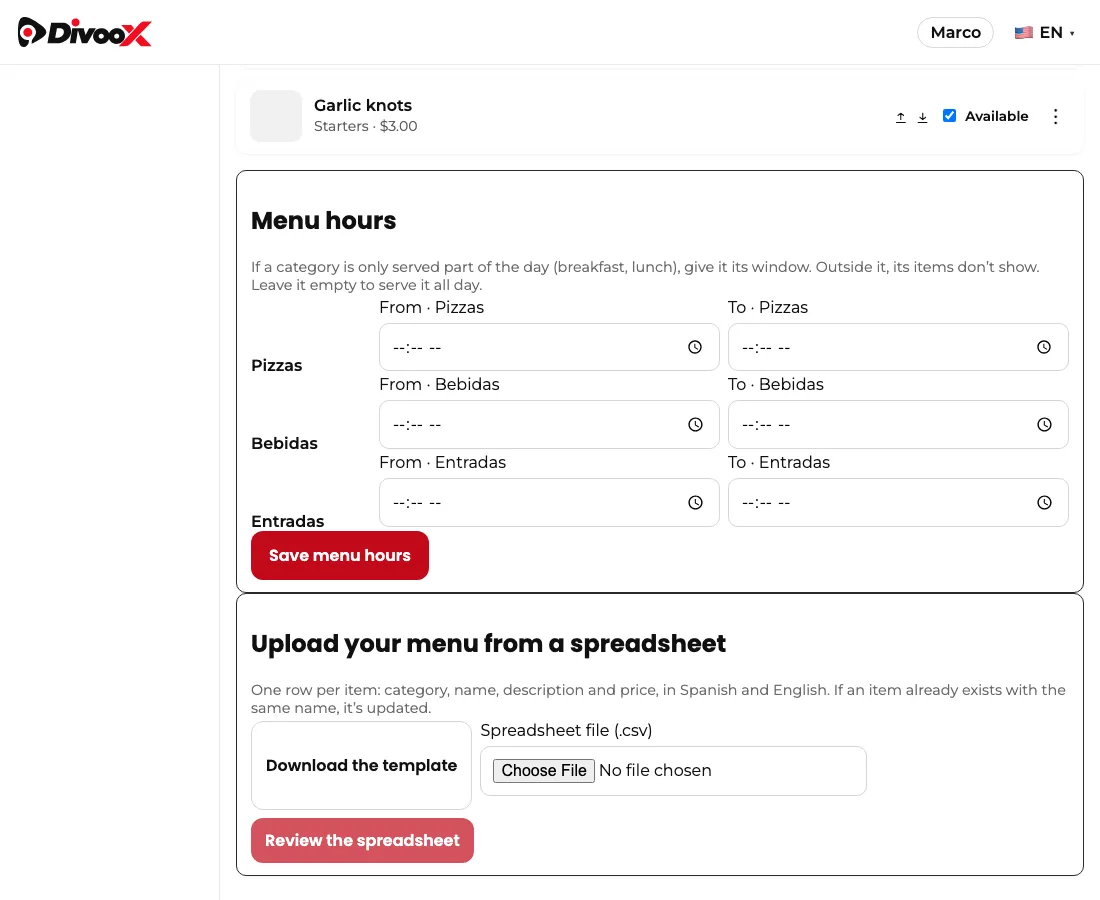
If it ran out just for today, open the item’s three dots and choose “Sold out for today”. The item shows “Sold out until tomorrow” and comes back on its own at midnight in your city, so you don’t have to remember.
With the switch (or “Sold out until I turn it on” in the app), the item stays off until you turn it back on.
The owner, managers and staff can all do this, from the dashboard or the restaurant app.
Steps
- In “Menu,” each item has an “Available / Sold out” switch.
- Tap it to turn the item off. It disappears from the customer app instantly.
- When it’s back, tap again. No need to delete or recreate the item.
This guide answers
- How do I mark an item as sold out?