
How to place your first order
Pick a nearby restaurant, build your cart, and pay with a card, Apple Pay, or Google Pay.

Steps
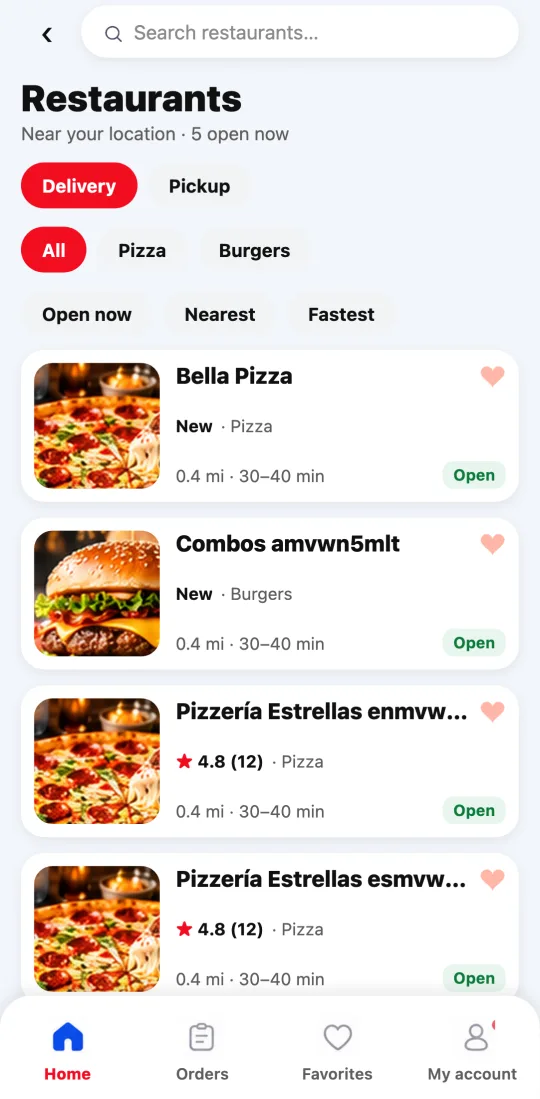
- Open the Divoox app and allow location: you’ll see the restaurants in your area, closest first. In the United States distances are in miles; in other countries, in kilometers.
- Tap “Food” and then a restaurant. Tap a dish to see its details: choose the size, the extras, and the quantity, and tap “Add to cart.”
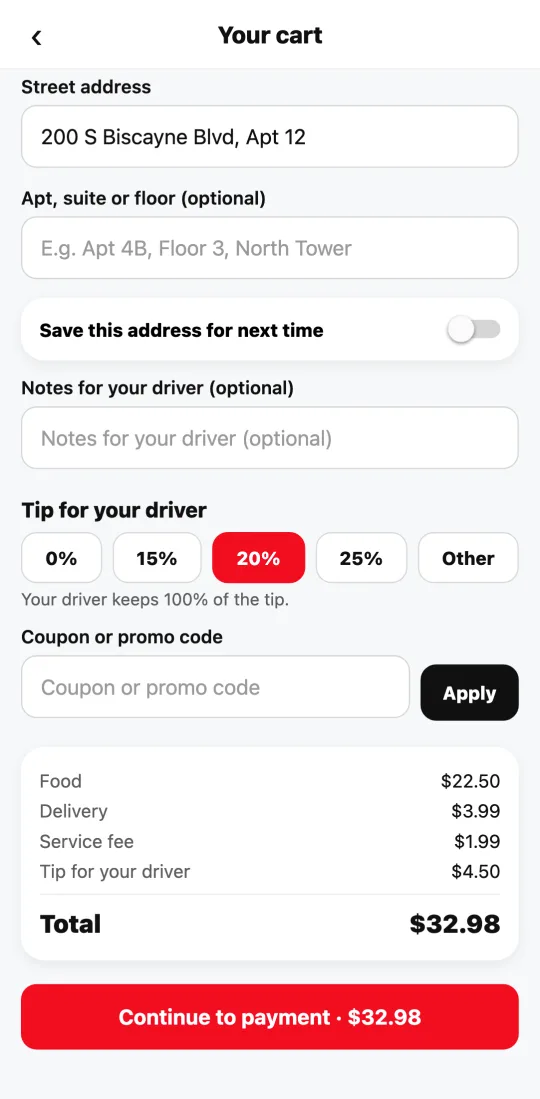
- Go to the cart. If you already shared your location, the “Street address” box fills in by itself; if not, type your address and tap the right suggestion (or mark the spot on the map). Add notes if needed (for example, “ring twice”).
- Choose the tip. It goes entirely to your driver; it never tops up their pay.
- Review the breakdown: food, delivery, service, and tip. What you see is what you pay.
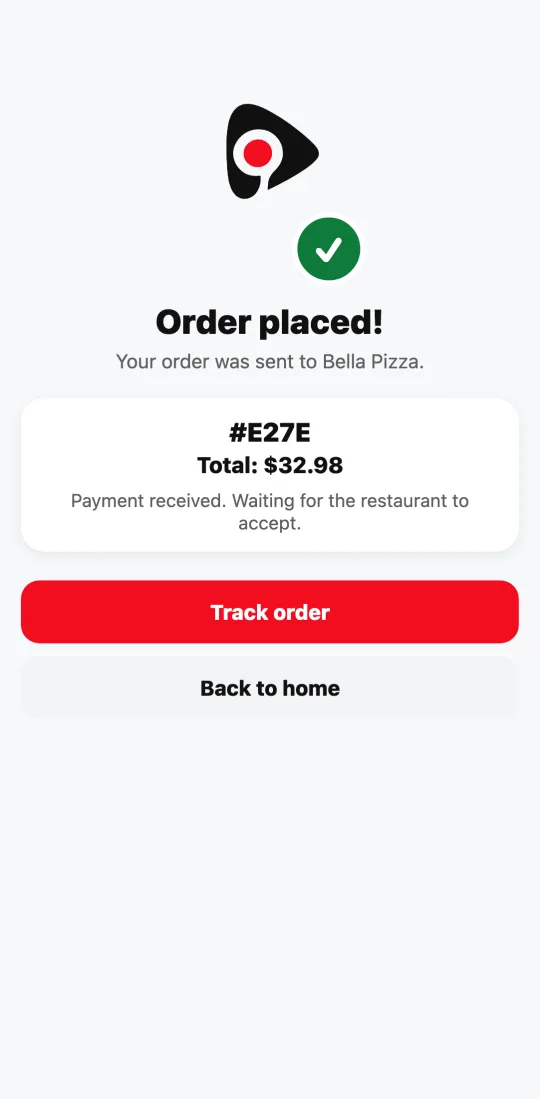
- Tap “Continue to payment.” The card form appears right there, inside the app, secured by Stripe. Once you pay, you see “Order placed!” with the number and the total; tap “Track order” to follow it live.
This guide answers
- How do I order food on Divoox?
- How do I pay for my order?
- Can I pay with Apple Pay or Google Pay?