
Divoox Flex: your delivery business, your team and your hubs
Divoox Flex is last-mile logistics for businesses: register your company, invite your team with permissions and create the hubs your packages leave from.
How it works
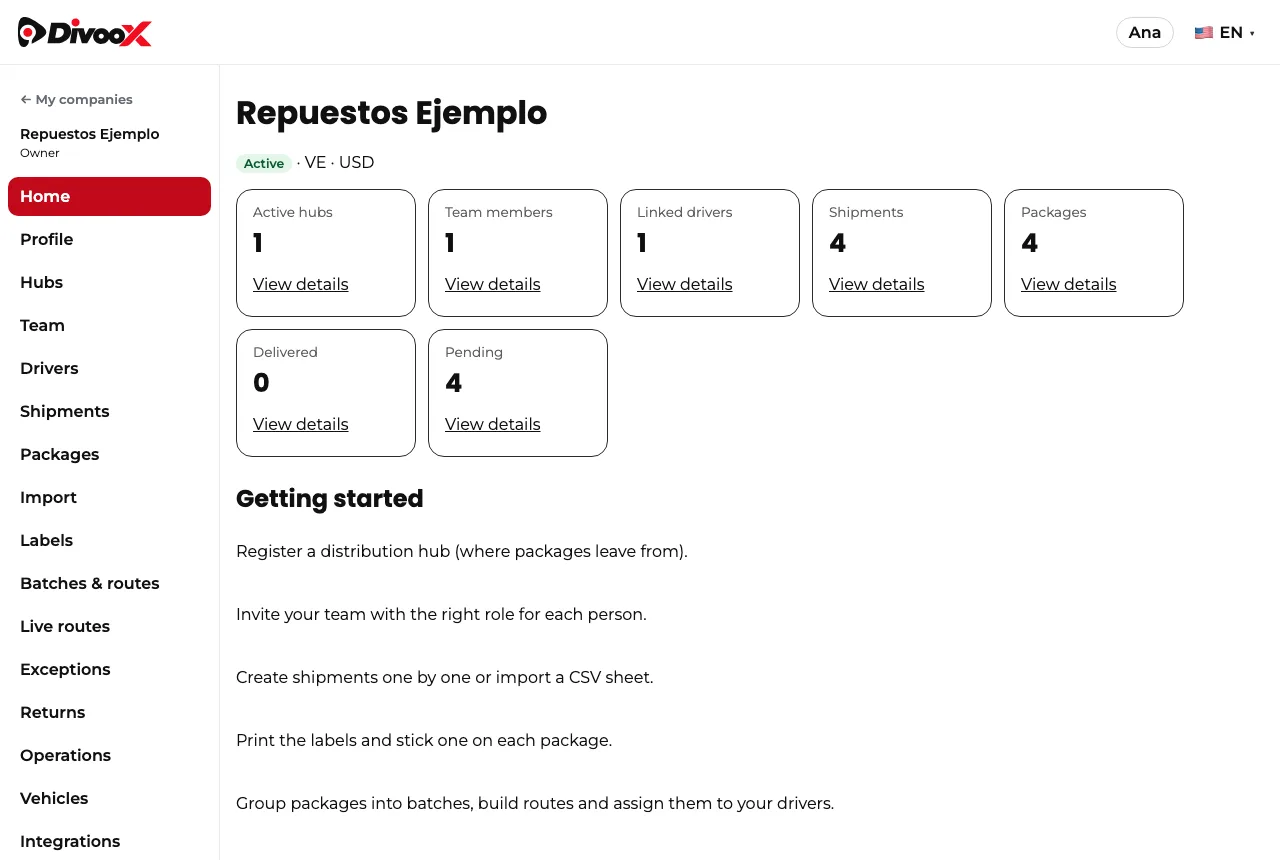
Divoox Flex is for businesses that move many packages: an online store, a distributor, a courier company. From the panel (or from the Divoox app, under Delivery → “Logistics block”) you register your company with its real legal details —business name, legal name, country, currency, the country’s tax ID, registered address, legal representative and phone— and your first loading hub, and you become its owner.
You invite your team by email with the role each person needs: operations admin, operator, finance or integration. The person receives a link that expires in seven days and works only with their own Divoox account, with a confirmed email. Nobody gets into your company just by registering an email address.
Distribution hubs are the places packages leave from: a warehouse, a store, a pickup point. Each shipment can state its origin hub.
Your drivers join by invitation: in “Drivers” you enter their name and phone or email. They get a text or email with the link, and you see it too so you can send it by WhatsApp. They install Divoox Driver, sign in with that same phone or email and accept. You assign routes directly to your own drivers; network drivers get an offer and accept it.
Steps
- Open the business panel and create your company account; register your company with its legal details and your first hub.
- In “Hubs”, register your first distribution hub with its address.
- In “Team”, type the person’s email, pick their role and send the invitation; they sign in with their account and accept.
- In “Drivers”, invite each driver with their name and phone or email; they accept in Divoox Driver.
Commissions are charged from your wallet balance (see the guide on your wallet, top-ups, commissions and receipts).
This guide answers
- How do I register my company on Divoox Flex?
- How do I invite someone from my team?
- What can each role do?